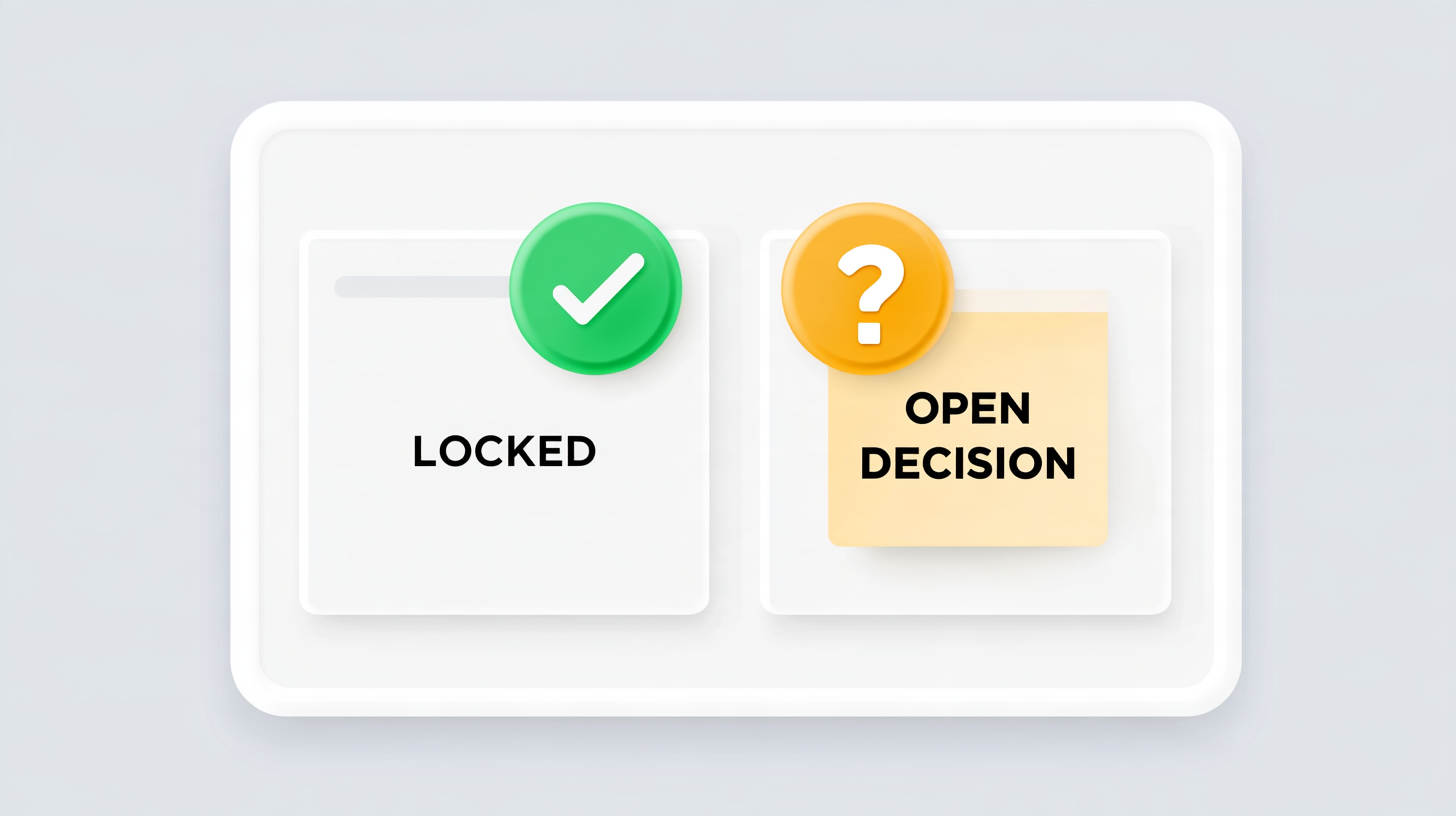
A request for a white image background can fail quietly when the API accepts several meanings of “white.” One client expects opaque pixels; another expects transparency previewed on white. Define the output contract before adding another UI control.
Make the pixel expectation explicit
Specify whether the result is opaque, which colour value fills the canvas, and which format is returned. Keep the canvas dimensions and fit behaviour in the same contract.

A user-facing guide on how to change picture background to white explains the task in everyday terms. The endpoint still needs unambiguous fields that distinguish background replacement from transparency.
Test with a diagnostic asset
Use a source containing an opaque white object, a coloured edge, and transparent padding. Verify that the object remains intact while the intended canvas changes.
The MDN reference for rgb() colours explains RGB values and alpha notation. Do not assume a client preview proves the encoded output has the required opacity.
Validate the downloaded bytes
Inspect the saved file with an image decoder and sample the known background region. Include the declared output mode in job metadata. That gives support staff a concrete way to distinguish a processing defect from a client displaying transparency against its own white surface.
Return clear validation errors for unsupported combinations, such as requesting opaque output while also asking to preserve the source canvas alpha. Silent fallback makes clients guess.
Comments
Join the discussionNo comments yet. Be the first to comment.